 Restaurants & Wine Bars
Constant Reprints
Every seasonal change, price adjustment, or sold-out bottle means a reprint. Every reprint costs time and money.
Printed menus cost you every week — in reprints, lost sales, and missed data. ShareVino builds engaging wine lists with instant updates and guest insights that help drive revenue.
Upload your PDF wine list or web link — first import is free.
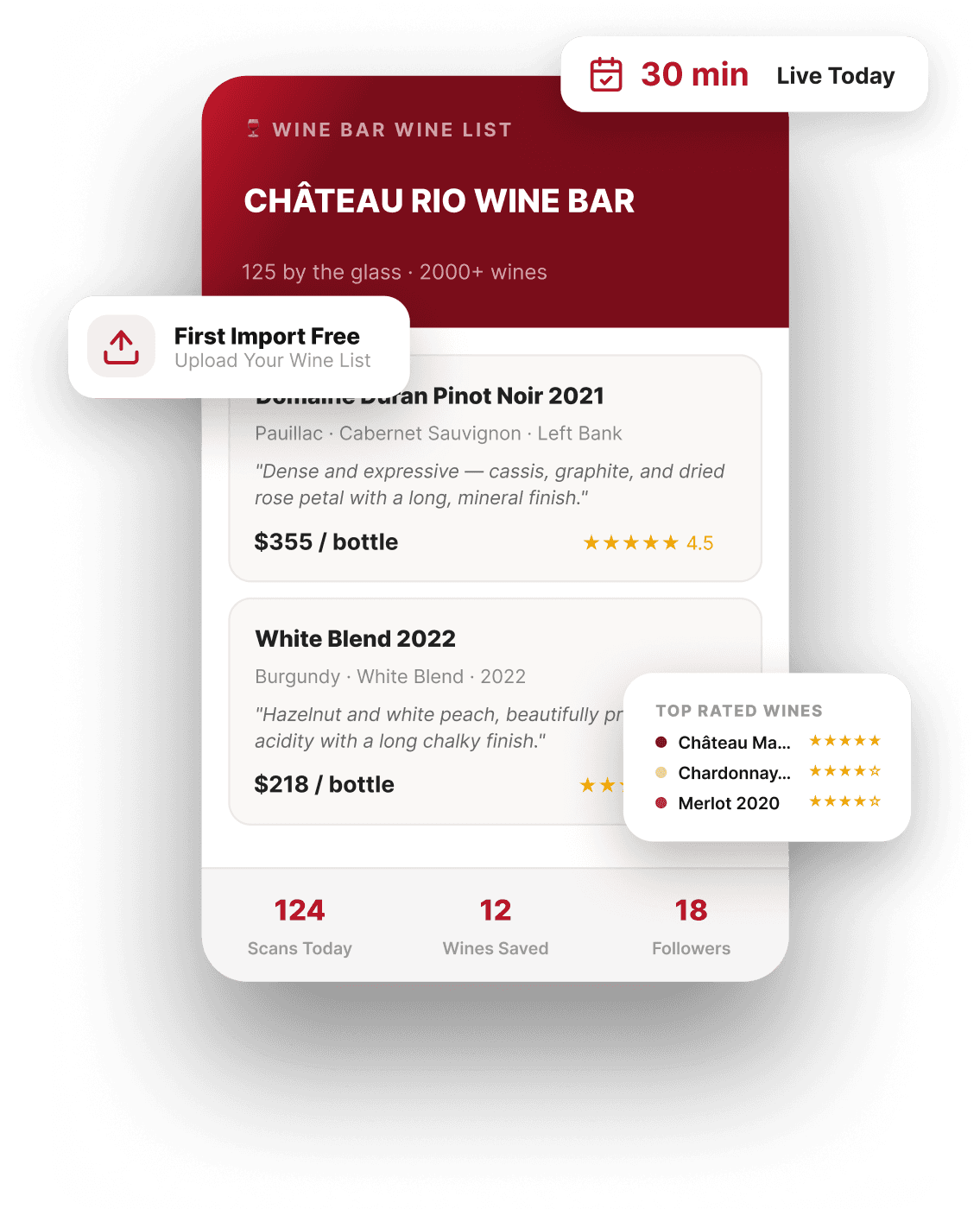
Higher Spend
up to30%
one PDF/WEB LIST Import
Free
Setup Time
30min
Wines in Library
200k+
The PROBLEM
Most restaurants still rely on wine menus that work against them.
Every seasonal change, price adjustment, or sold-out bottle means a reprint. Every reprint costs time and money.
Without wine details or context, guests default to wines they know or the second cheapest option. Premium bottles go unnoticed.
You know what sold, but not what guests browsed or wished they could try. Your POS shows transactions, not intent.
Even experienced servers can't describe 50+ wines in detail. Guests get inconsistent recommendations depending on who's pouring.
Diners leave and the connection ends. No way to follow up or invite them back for a wine event.
Paper menus all look the same. No stories, no pairings, no scores. Nothing that makes your wine program feel curated.
How ShareVino Helps
ShareVino is the ultimate restaurant wine menu software that replaces printed menus, empowers your staff, and turns every glass into a data point.
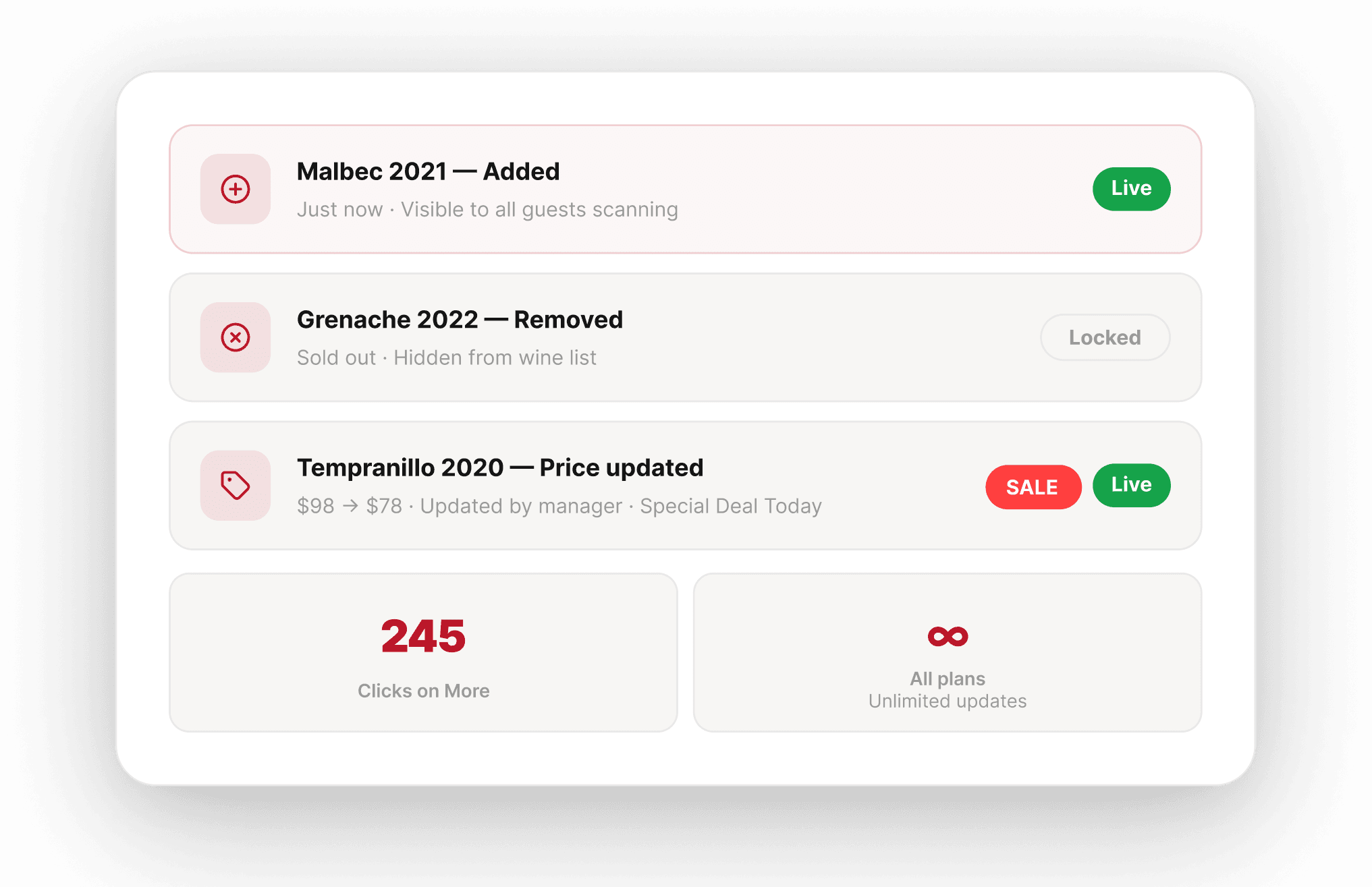
Update your list from your device at any time. Add a new arrival, remove a sold-out bottle, guests see it instantly.
Tag wines with 'Staff Pick’ or 'Limited Edition', reorder your wines, and guide guests toward higher-margin bottles.
Diners rate wines and save favorites to their WineLover profiles. No app, no downloads. One tap.
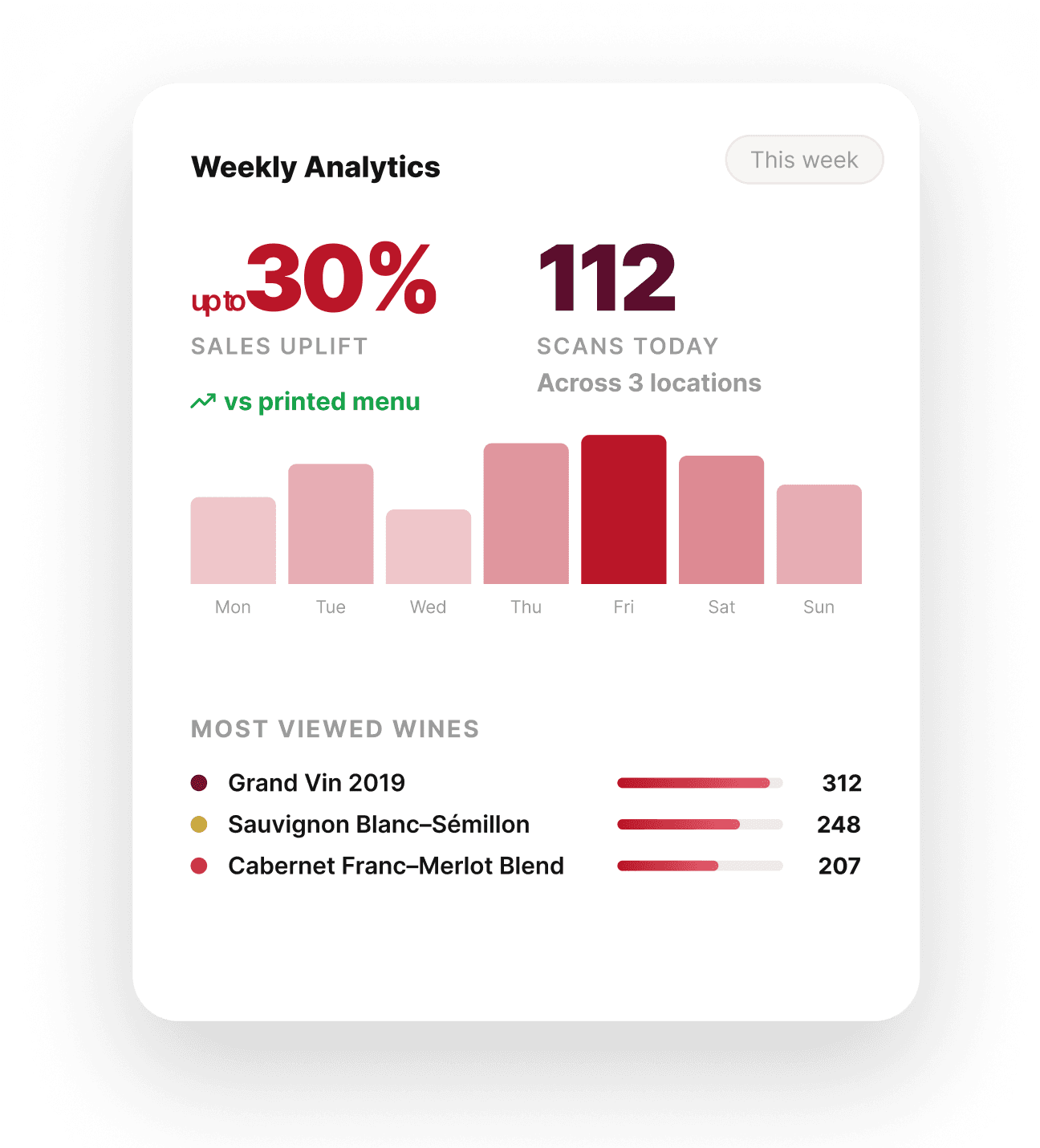
See which wines get the most saves, and ratings. Know which bottles guests are curious about, not just what they ordered.
Guests can follow your restaurant and get notified about events, tastings, or new arrivals.
Wine Import
First setup is free — we’ll build it for you.
Upload your PDF list → We Build → Enhance
Upload your wine list or menu in any file format (e.g., Excel, PDF).
We convert it into a clean, structured interactive list with template visuals.
Add visuals, tasting notes, and pairings or let us handle it with AI Enhancement.
Turn your wine list into a rich, fully detailed experience with images, tasting notes, and pairings—done for you. See pricing.
The Guest Experience
One scan turns a static menu into an interactive wine discovery.
STEP 01
The full wine menu opens instantly. No app, no login.
STEP 02
Tasting notes, stories, and pairings guide discovery.
STEP 03
One tap to rate. Favorites saved to their WineLover profile.
STEP 04
Guests choose with confidence Higher satisfaction, safe picks.
STEP 05
Stay connected for events, new additions, or special tastings.
Always current
Printed menus get outdated fast. A sold-out wine stays on the list until the next reprint. ShareVino keeps your wine menu live and current.
A bottle sells out mid-service or a new wine arrives — adjust it instantly.
Special dinner or weekly menu — create a new QR list with a few clicks.
Sales or promotion — update your entire selection in minutes.
Wine Intelligence
Your POS tells you what sold. ShareVino tells you what guests explored, saved, and rated before deciding — the intent behind the order.
WineLovers Community
With a printed menu, the connection ends when the check is paid. ShareVino builds a connection with your guests through campaigns.
Every saved or rated wine stays in the guest's WineLover profile. They can revisit any time.
Guests follow your venue and get notified about offers, seasonal news, or special events.
Share new arrivals, promotions, or wine dinner invites with guests who showed interest.
Getting Started
Upload your PDF menu or share your wine list link — we’ll convert it into an interactive experience. First setup free.
30 min
Most events are live in under 30 minutes.
Sign up in under two minutes. No credit card required.
Free plan with 25 winesAdd wines via Excel or PDF list, website screenshot, or from our 200,000+ wines in library. Bulk upload in minutes—first import is free.
Organize by glass/bottle, varietal, region or special tags.
No design skills neededPlace on tables, bar, or printed menu. Guests scan and explore instantly.
See which wines guests explore, save, and rate. Adjust based on real data.
Real-time updatesWhy ShareVino
See how ShareVino compares to the commonly used wine menu tools.
| Feature | ShareVino | Printed Menu | Tablet-Based Menu | QR-based PDF or Web Menu |
|---|---|---|---|---|
| Real-time updates | ✓ Yes | × No | ✓ Yes | × No |
| Tasting notes & pairings | ✓ Yes | Limited | ✓ Yes | × No |
| Guest ratings & favorites | ✓ Yes | × No | Limited | × No |
| Scan analytics | ✓ Yes | × No | Limited | Basic |
| No hardware/app | ✓ Yes | ✓ Yes | × No | Varies |
| Post-visit follow-through | ✓ Yes | × No | × No | × No |
| Staff picks & upsell tools | ✓ Yes | Limited | Varies | × No |
| Free plan | ✓ Yes | ✓ Yes | × Tablet needed | Varies |
Swipe horizontally to compare
FAQ
The questions restaurants and wine bars ask us the most.
No. Guests scan the QR code on the table and the wine menu opens instantly in their browser — no app, no tablet, and no login required.
Yes. Open your dashboard on any device, make changes, and guests see them immediately. You can also reorder wines to test what works best for your guests.
Free: 25 wines with one wine list. Pro: 100 wines with 5 wine lists. Premium: unlimited everything.
Yes. Customize your layout to match how your menu is structured.
Most restaurants and wine bars use ShareVino as their primary wine menu on the table. Some venues also use it alongside printed materials by adding a QR code for full wine details, tasting notes, pairings, and real-time updates.
Yes. Add pairings to each wine so guests can match wines to their meal.
Scans, saves, ratings, clicks, guest demographics, engagement by time, and performance trends.
Under 30 minutes for most restaurants. You can simply upload your PDF menu, and we’ll build it for you — first import is free.
Yes. One account can be used by your sommelier, manager, or bar lead.
Better descriptions and stronger visual presentation increase purchase intent. Real-time updates let you adjust the list dynamically, spotlight priority wines, run promotions, and respond instantly to sales and availability.
Explore More
Replace paper programs with live QR wine lists and catalogs.
Use CaseTransform your tasting room and wine club into an interactive experience.
Use CaseProfessional digital portfolio for trade tastings, events, and buyer meetings.
